1. Is Clickly AI beginner-friendly?
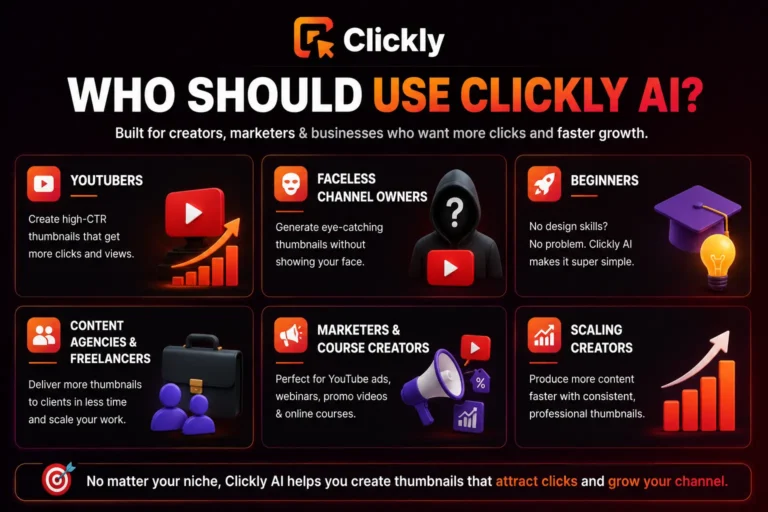
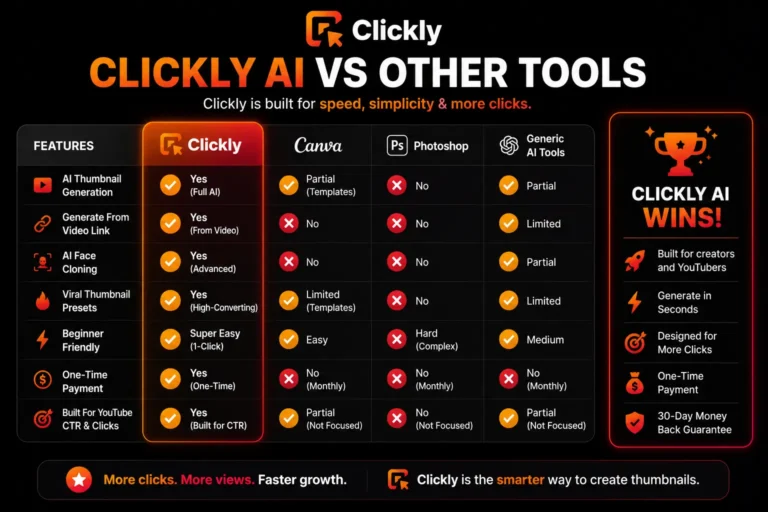
Ans – Yes. Clickly is designed for beginners and non-designers, so users can create thumbnails without needing Photoshop or advanced editing skills.
2. Can Clickly generate thumbnails directly from videos?
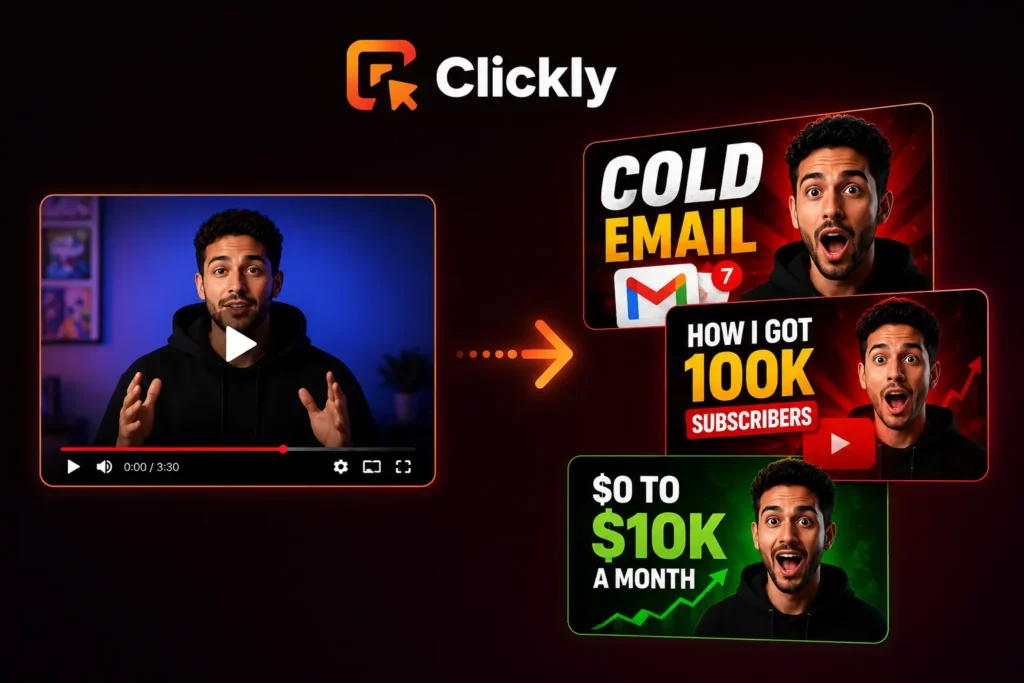
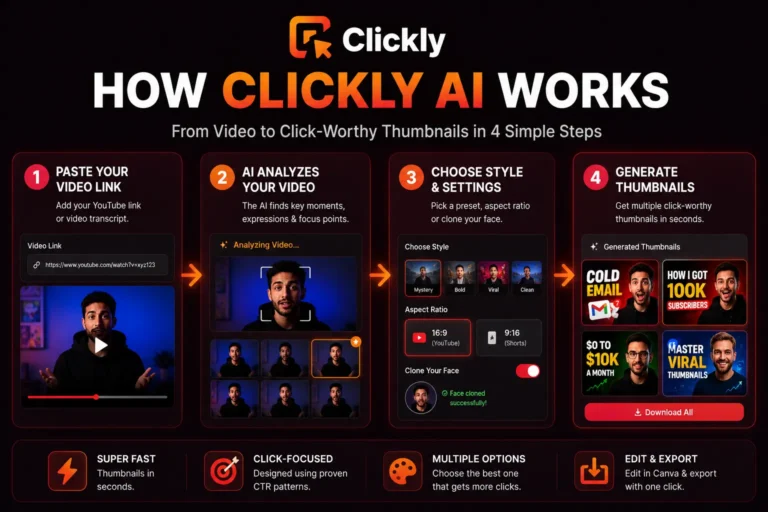
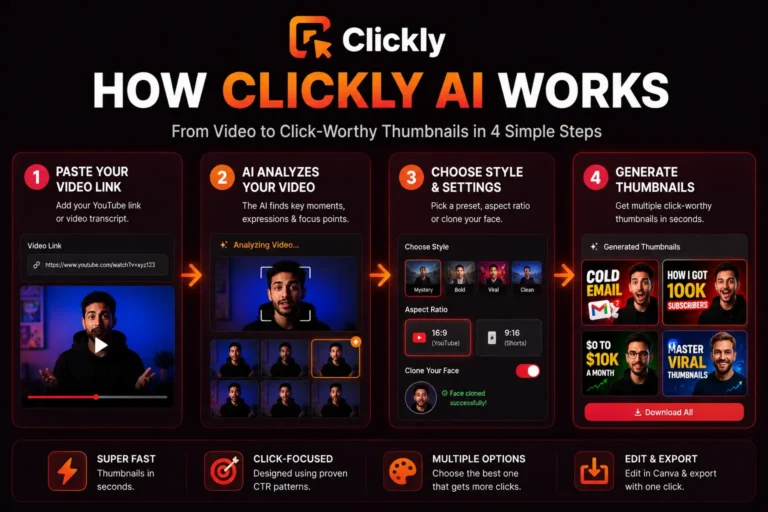
Ans – Yes. Users can paste a YouTube video link or transcript, and the AI automatically generates thumbnail variations based on the video content.
3. Does Clickly support AI face cloning?
Ans – Yes. Clickly includes an AI face cloning feature that helps creators use their face consistently across thumbnails for better branding and recognition.
4. Can thumbnails be edited after generation?
Ans – Yes. Generated thumbnails can be customized further and exported to Canva for additional editing and branding adjustments.
5. Is Clickly only for YouTube creators?
Ans – No. While it is mainly built for YouTube thumbnails, it can also be used for ads, webinars, promo graphics, online courses, and other marketing visuals.
6. Is Clickly better than Canva?
Ans – Both tools serve different purposes. Canva focuses more on manual design and templates, while Clickly focuses more on AI-powered thumbnail generation and faster workflows.
7. Does Clickly require a monthly subscription?
Ans – No. One of the major advantages of Clickly is its one-time payment model instead of recurring monthly pricing.
8. Can Clickly help improve CTR?
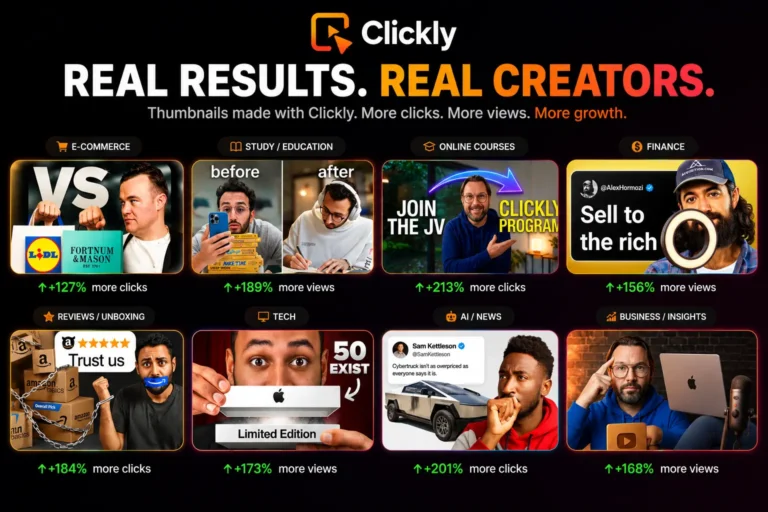
Ans – A better thumbnail usually improves first impressions and click-through rates. Clickly is specifically designed around high-performing thumbnail patterns and YouTube click psychology.
9. Who should use Clickly AI the most?
Ans – Clickly is especially useful for YouTubers, faceless channel owners, freelancers, marketers, agencies, and creators producing content regularly.
10. Is Clickly worth trying?
Ans – For creators spending too much time designing thumbnails manually, Clickly can save a lot of time while making the workflow faster and more beginner-friendly.